
App Lounge
Edit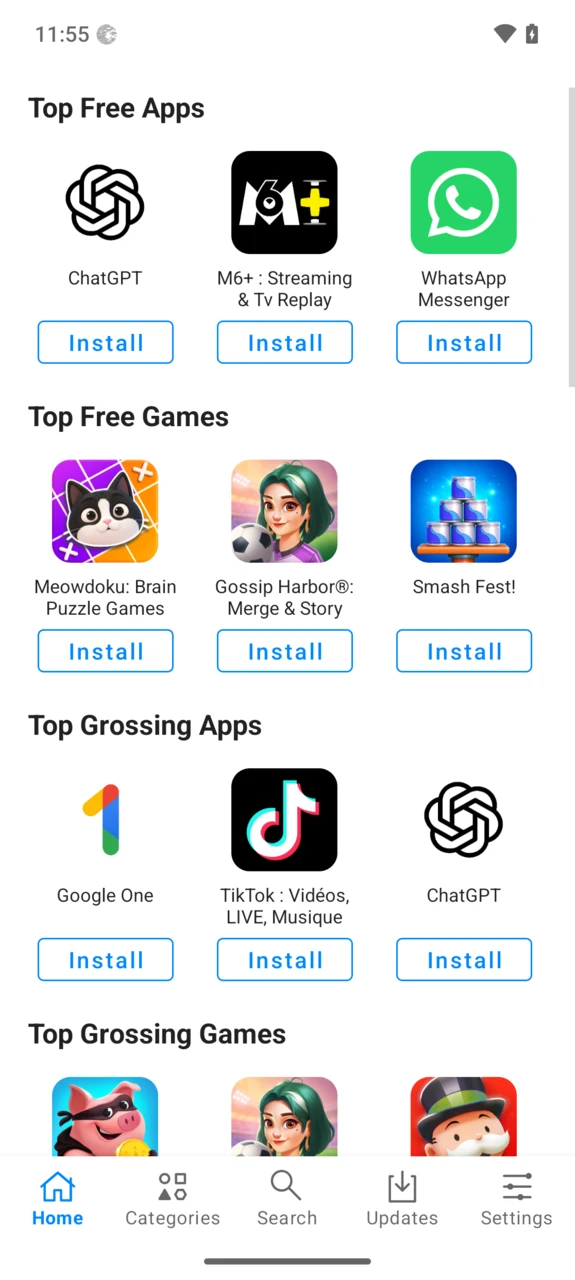
App Lounge is the application store embedded within /e/OS. It combines common Android apps, open source apps and progressive web apps in one single repository — and you don’t need to sign in to an account to download apps.
One store, three kinds of apps
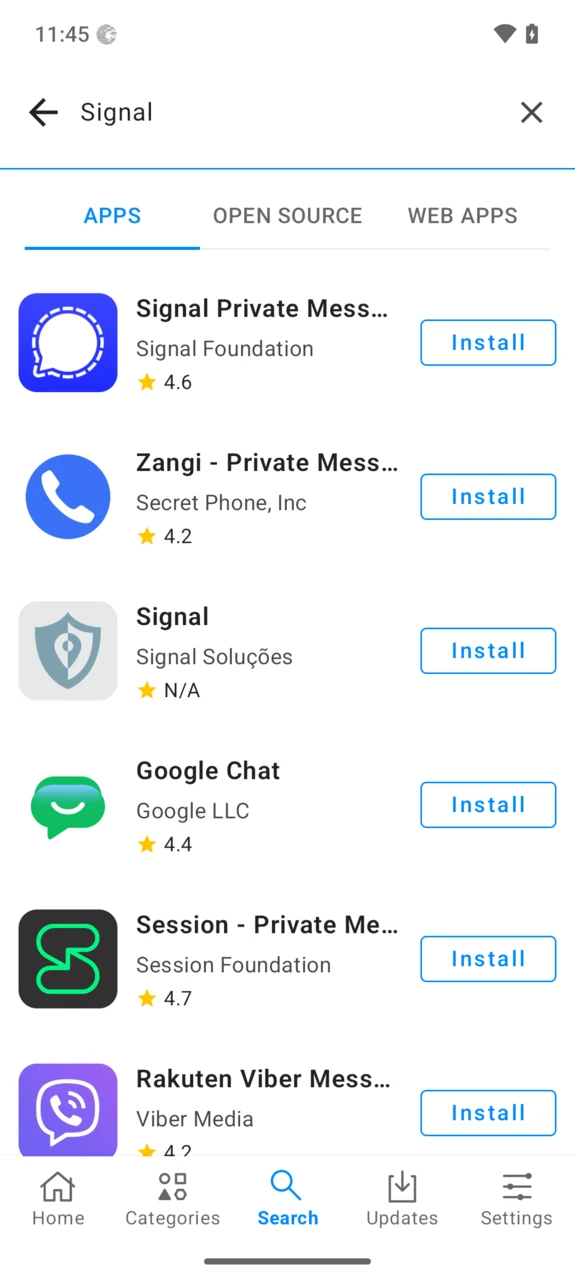
App Lounge lets you filter apps by Open Source, PWAs, or show everything at once. Each kind comes from its own source:
- Commercial applications are the usual free or paid Android apps covering the most common needs like banking, travel or productivity (free apps often include advertising, and both kinds often embed trackers). They are fetched directly from the Google Play Store catalogue through the Google Play API — the list matches your device architecture and locale, so you only see apps your device supports.
- Open source applications are Android apps released under an open source license, coming from the F-Droid catalogue. When an app is available both on the Play Store and F-Droid, the open source version is promoted.
- Progressive Web Apps (PWA) are applications delivered through the web: no native package, just a shortcut on your home screen running in a standards-compliant browser, free from proprietary platform software. They come from a curated PWA catalogue.
Updates are delivered for all applications: you are notified when updates are available and they install automatically in the background.
Play Store apps without a Google account
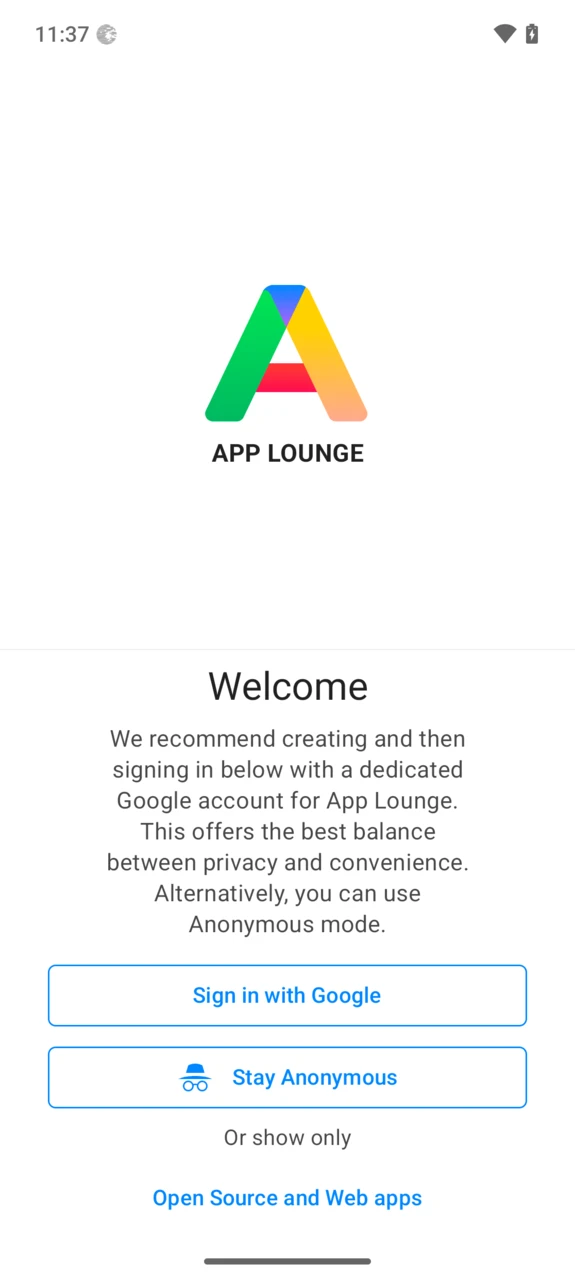
It may seem counter-intuitive for a deGoogled operating system to distribute apps from the Play Store. But the Play Store is the widest catalogue available, and distributing apps straight from the source ensures they have not been tampered with.
To access it without tracking, App Lounge offers an anonymous sign-in: you reach the whole free catalogue without a personal Google account. Alternatively you can sign in with a Google account, for instance to install apps you purchased previously.
Paid apps and in-app purchases
When signed in with a Google account, App Lounge can install and update apps purchased from the Google Play Store, and even start a new purchase: it opens the app’s Google Play page in your browser to complete the payment, then installs the app. Paid apps are not available in anonymous mode, and in-app purchases are not supported.
If you want to buy an app, purchasing it from the developer’s website remains the preferred way — no third party is involved in proving your ownership. Otherwise, use the built-in flow with a dedicated Google account.
How are apps verified to be original?
Apps are checked using a PGP signature check or a checksum. If you suspect an app has been tampered with, please report it at helpdesk@murena.io — we will investigate and keep you informed.
The Privacy Score
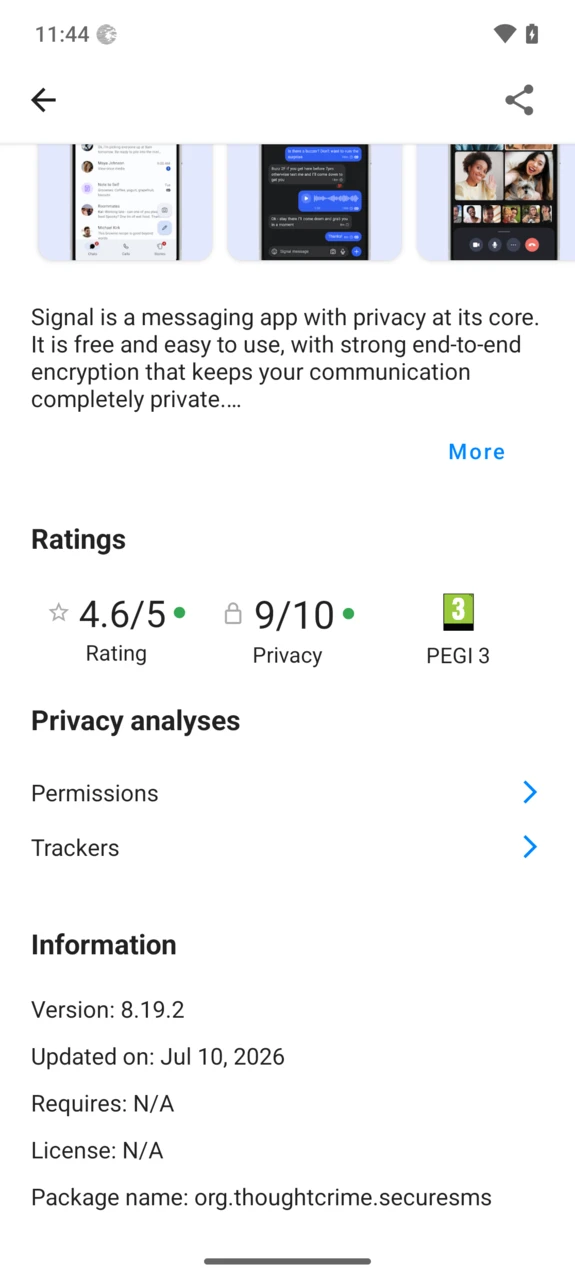
For every app, App Lounge shows which and how many trackers are embedded and how many permissions the app requires, relying on Exodus Privacy data. Both combine into a Privacy Score out of 10 — the higher, the safer.
The scoring rules, their limits and the case of apps rated 0 for their privacy policy are detailed on the Privacy Score page.
Everything you expect from an app store
- Automatic updates, home page with recommendations, search, and a detail page for every app including its privacy information.
- No-Google mode: an optional mode restricting the catalogue to open source applications and PWAs — a smaller catalogue, but no connection at all to Google servers, even anonymized ones.
FAQ
Is App Lounge open source?
Yes — the source code is available on our GitLab.
Is my favourite app available?
App Lounge covers the Play Store and F-Droid catalogues, so most apps on the market are available — a quick search will get the job done. In the rare case an app is missing, report it so we can look into it.
Why does the app size sometimes differ from Google Play?
App size varies with CPU architecture, hardware configuration and locale, and Google Play uses dynamic delivery. The Play API does not expose that data, so the size shown in App Lounge can differ from the one displayed by Google Play.
My bank or favourite service has no suitable app?
Look for a web alternative: many services (transport, social networks, banks…) offer a progressive web app or a mobile web site that works perfectly as a home-screen shortcut in /e/OS.
Troubleshooting
I am unable to log in with an Anonymous account
Clear App Lounge’s data: Settings → Apps → App Lounge → Storage & cache → Clear storage, then wait a moment before trying the anonymous login again.
If it still fails, create a dedicated Google account used only for App Lounge and sign in with it. We recommend securing it with an authenticator app (FreeOTP/FreeOTP+) as second factor — that way you can usually avoid attaching a phone number.
I can’t find an app
Turn off Fake location and/or Hide my IP in Advanced Privacy while you search: the Play catalogue depends on your apparent location, so spoofing it can hide apps.
I am unable to install or update apps
Log out and log back in from the App Lounge settings. If the problem persists, clear App Lounge’s data (Settings → Apps → App Lounge → Storage & cache → Clear storage).
Many thanks!
These features would have been much harder to deliver without the open source community. Special thanks to:
- The Aurora OSS project behind the well-known Aurora Store — App Lounge uses their GPlay API library.
- The Exodus Privacy project, for their continued effort to document app trackers.
- The /e/OS community, which provided a lot of valuable feedback during the development of App Lounge.