
Installer
Edit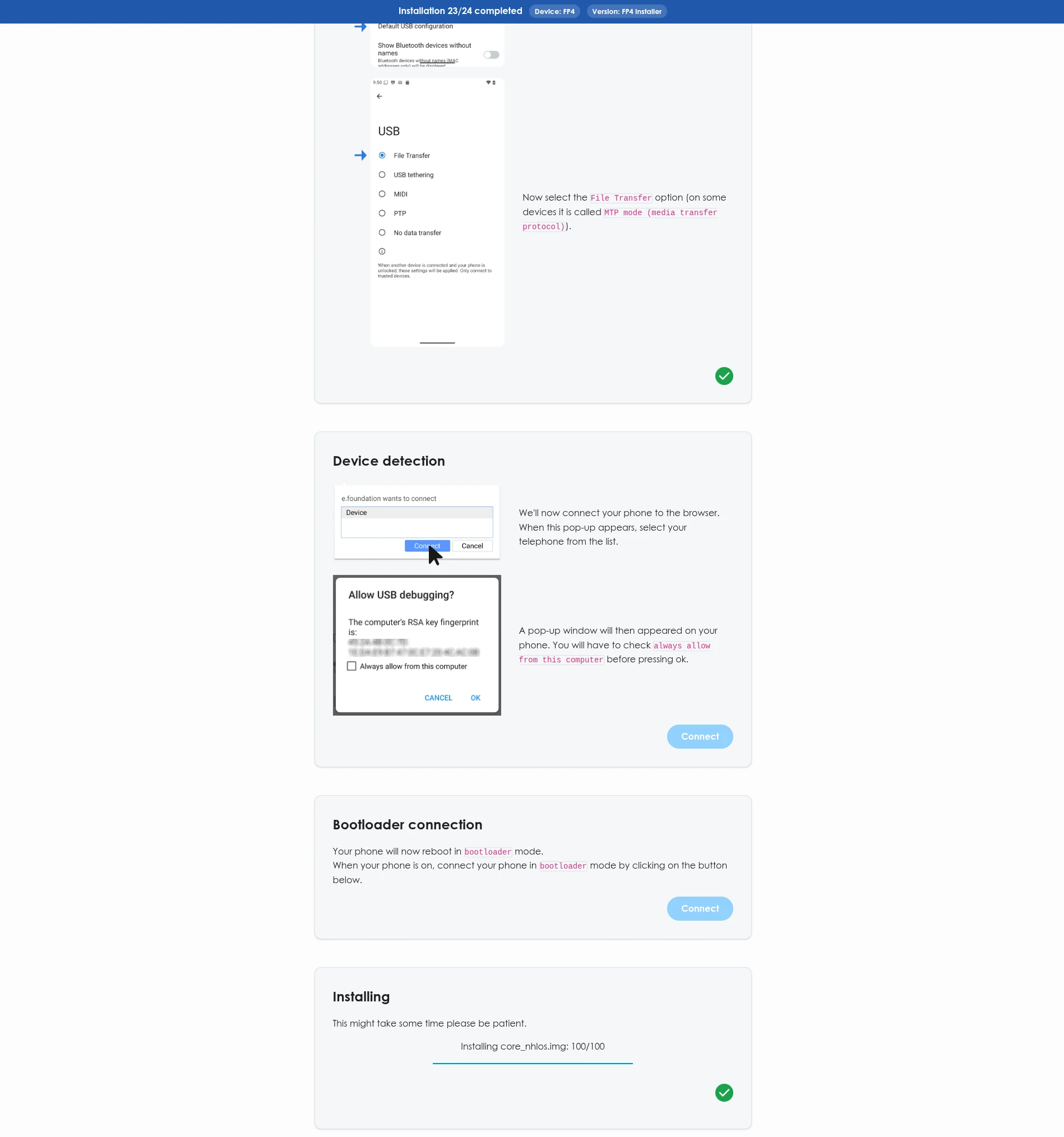
About the Installer
What is the /e/OS Installer?
The /e/OS Installer is a Chrome/Chromium web browser-based application that helps users install /e/OS on supported devices.
How do I install the /e/OS Installer?
You do not need to install the /e/OS Installer. It runs directly in the web browser on your PC.
Are there any specific browsers that I need to use?
Yes, it only works on Chrome-based web browsers because the /e/OS Installer requires WebUSB support.
An example of a Chrome-based web browser with default WebUSB support is Google Chrome. Support in browsers like Opera or Edge may depend on the version and may require additional configuration.
Does the /e/OS Installer replace the /e/OS Easy Installer?
Yes, the /e/OS Easy Installer is now deprecated and in the process of being phased out. We will not update the Easy Installer code or resolve its bugs.
Using the Installer
List of devices supported by the /e/OS Installer
The list of devices supported by the /e/OS Installer is available on the devices page, pre-filtered to installer-compatible devices.
Additionally, /e/OS can be installed on over 200 devices using the command-line interface (CLI) method. For a complete list of supported devices and detailed installation guides, visit the /e/OS devices page.
How do I install the /e/OS build using the /e/OS Installer?
The instructions in the tool will guide you through the installation process.
Will my device’s bootloader be re-locked after the install?
No: for every device currently supported by the Installer, the bootloader is left unlocked once /e/OS is installed. Re-locking a bootloader after flashing a non-stock OS carries its own risk of leaving the device unable to boot (independent from the anti-rollback protection covered below), so the Installer does not do it automatically.
If you understand the risks (see bootloader relocking) and still want to re-lock your bootloader, follow the device’s manual installation procedure on its own device page instead.
Why did the Installer refuse to install, saying my device’s security patch is too new?
This is anti-rollback protection: some devices refuse to boot a build built against an older security patch than what is already on the phone, and can get stuck in bootloader mode if you try anyway. The Installer checks this upfront and blocks the install instead of leaving the device in that state.
This most often happens right after your phone received a stock Android/firmware update. /e/OS ships monthly - wait for the next release, which carries an updated security patch, then try again.
Contribute & support
Why are more devices not supported by the /e/OS Installer?
The project is open for contribution from users with development skills. Please help us to increase the number of device supported by this tool.
I want to develop the source further. How can I help?
You can follow the contributing guide from the /e/OS installer repository.
Where do I report bugs in the /e/OS Installer?
You can report bugs in the /e/OS Installer here.